
Together, live
You, your team and the agent edit one canvas at the same time. You see the cursors and who is on the board right now.

Klyaksa is a whiteboard for teams: draw together live, run presentations, give members access permissions, share by link and roll back to any version. And your AI agent draws the diagram from a description — right from your IDE or chat.
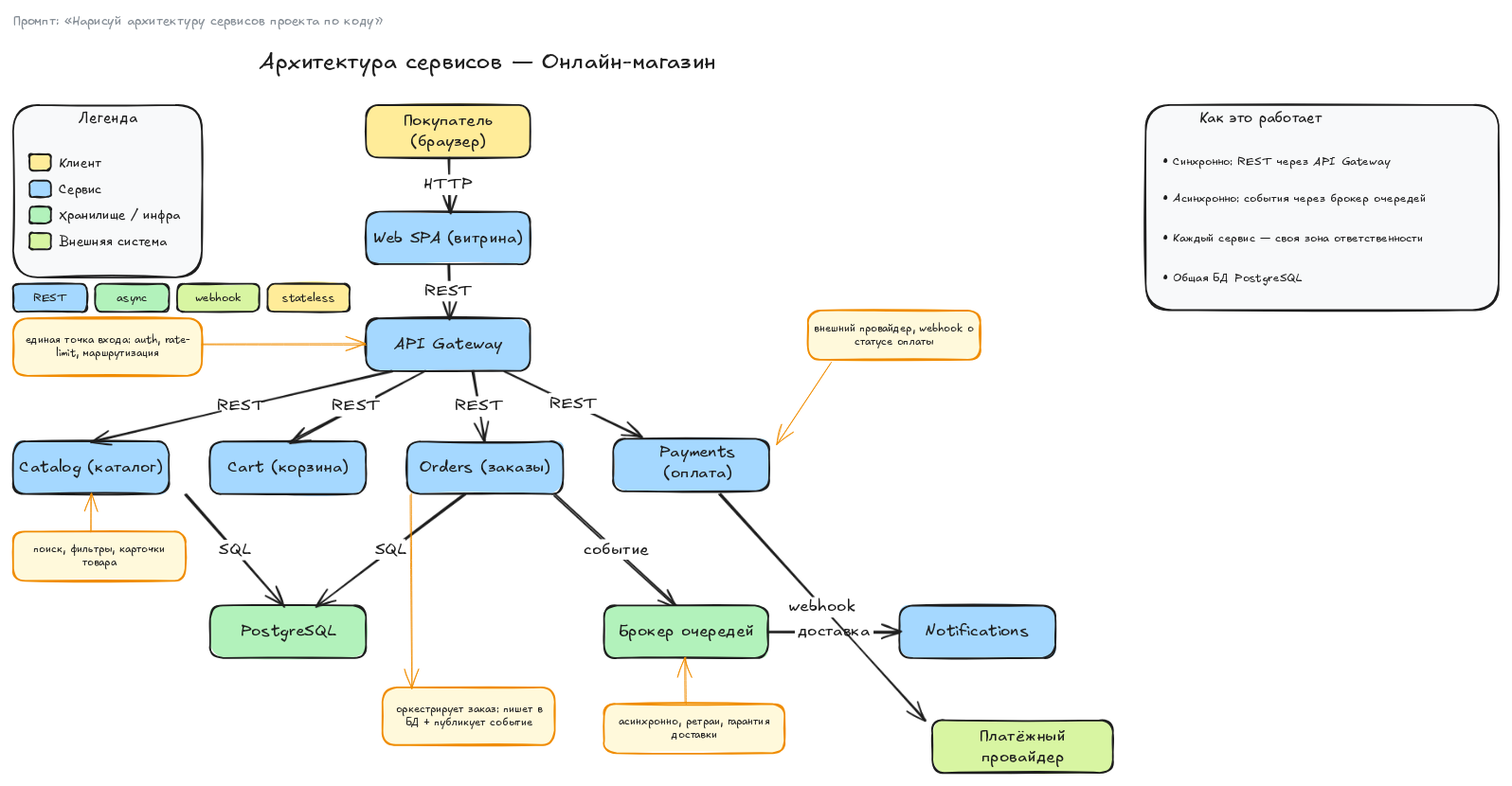
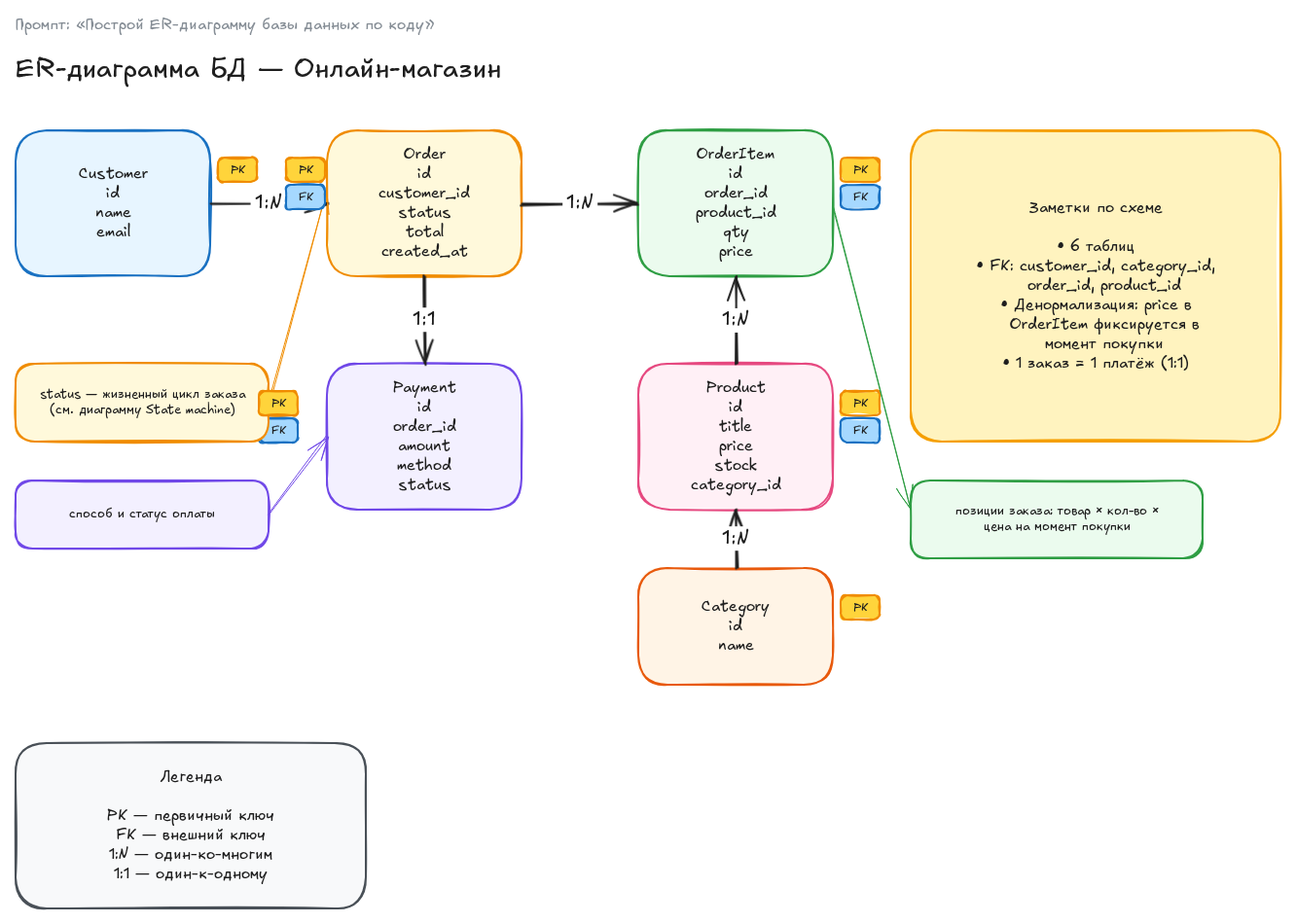
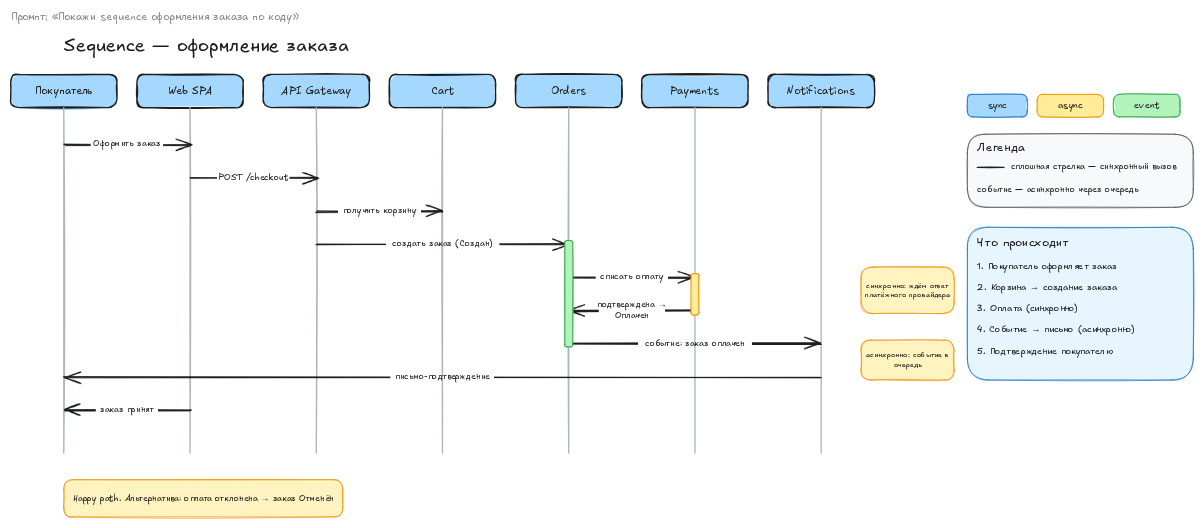
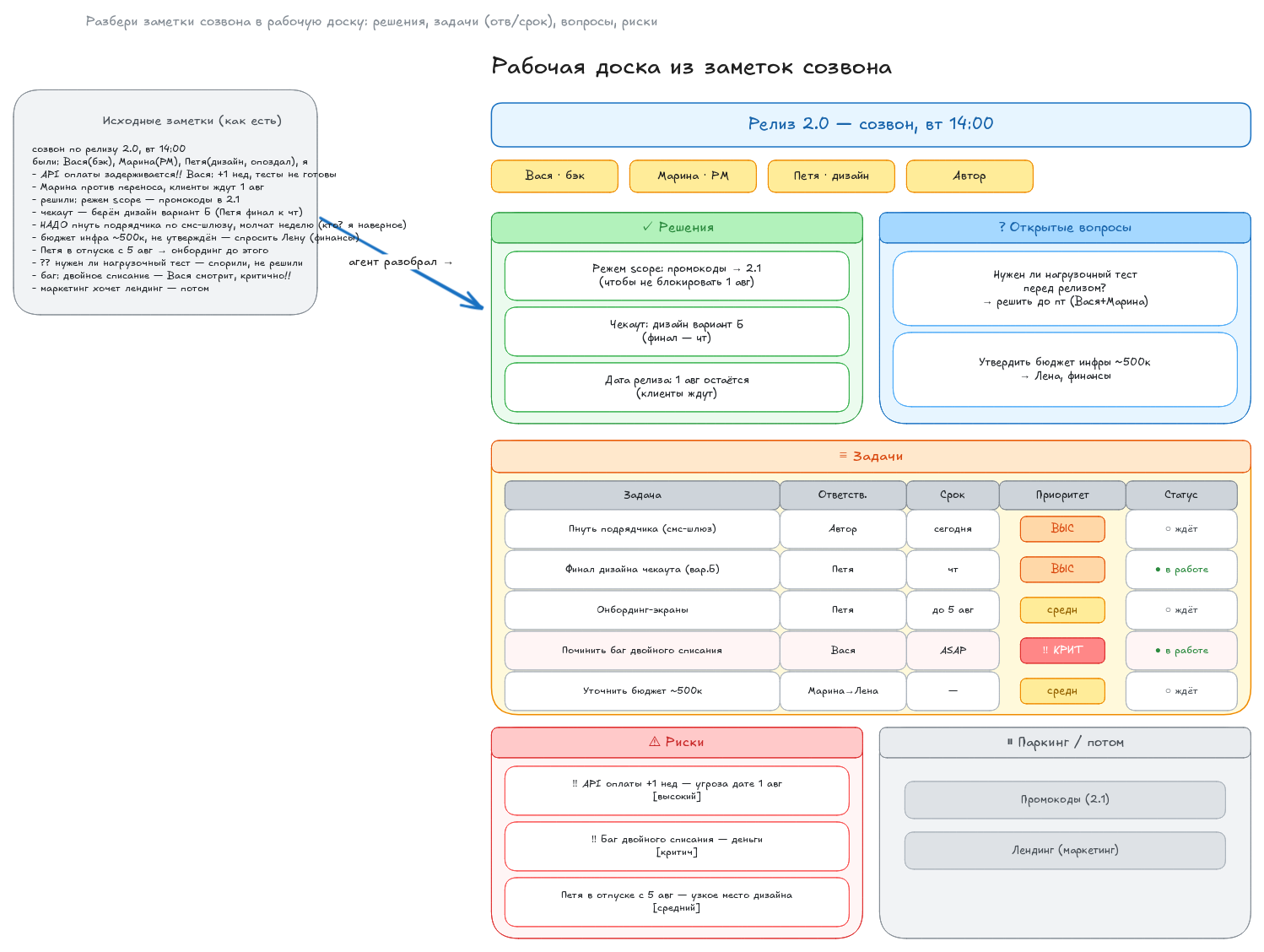
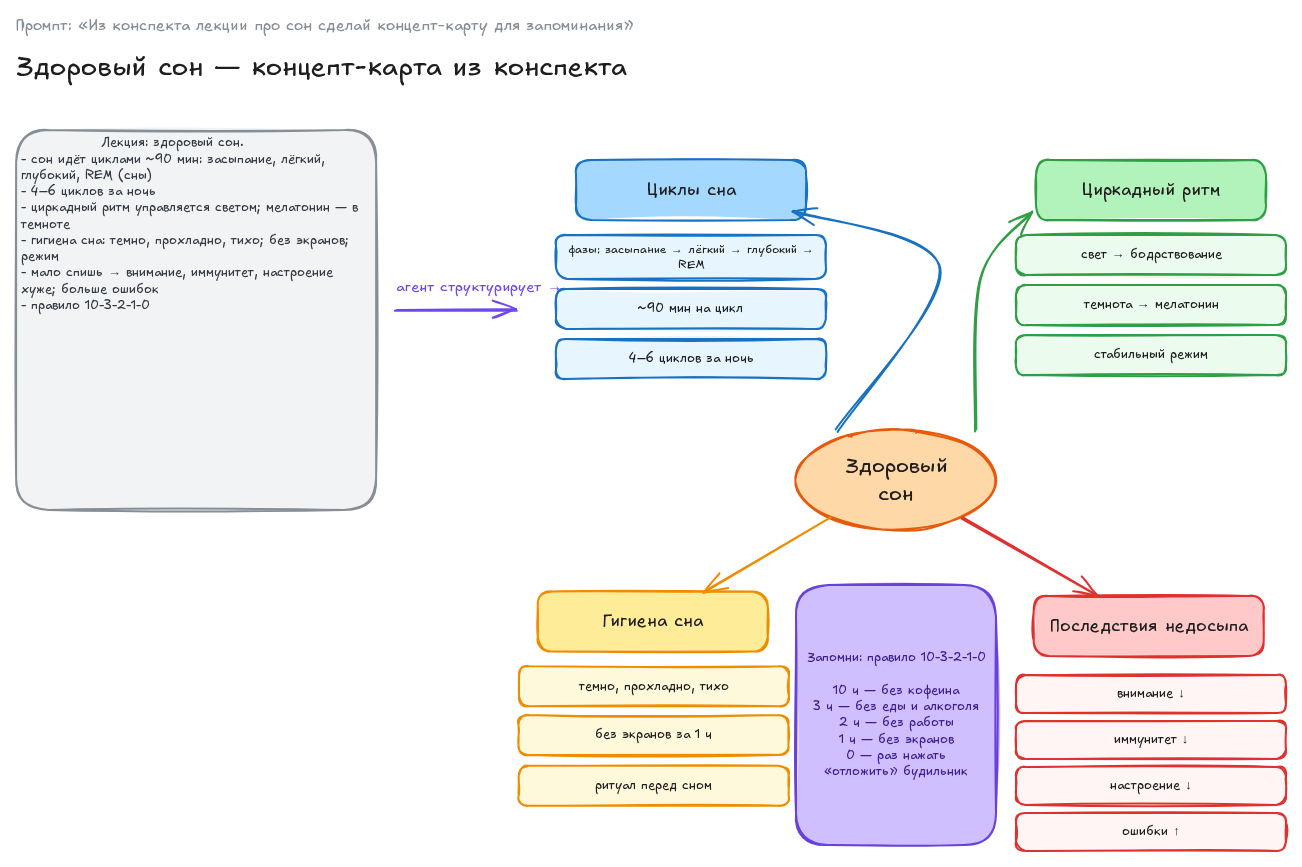
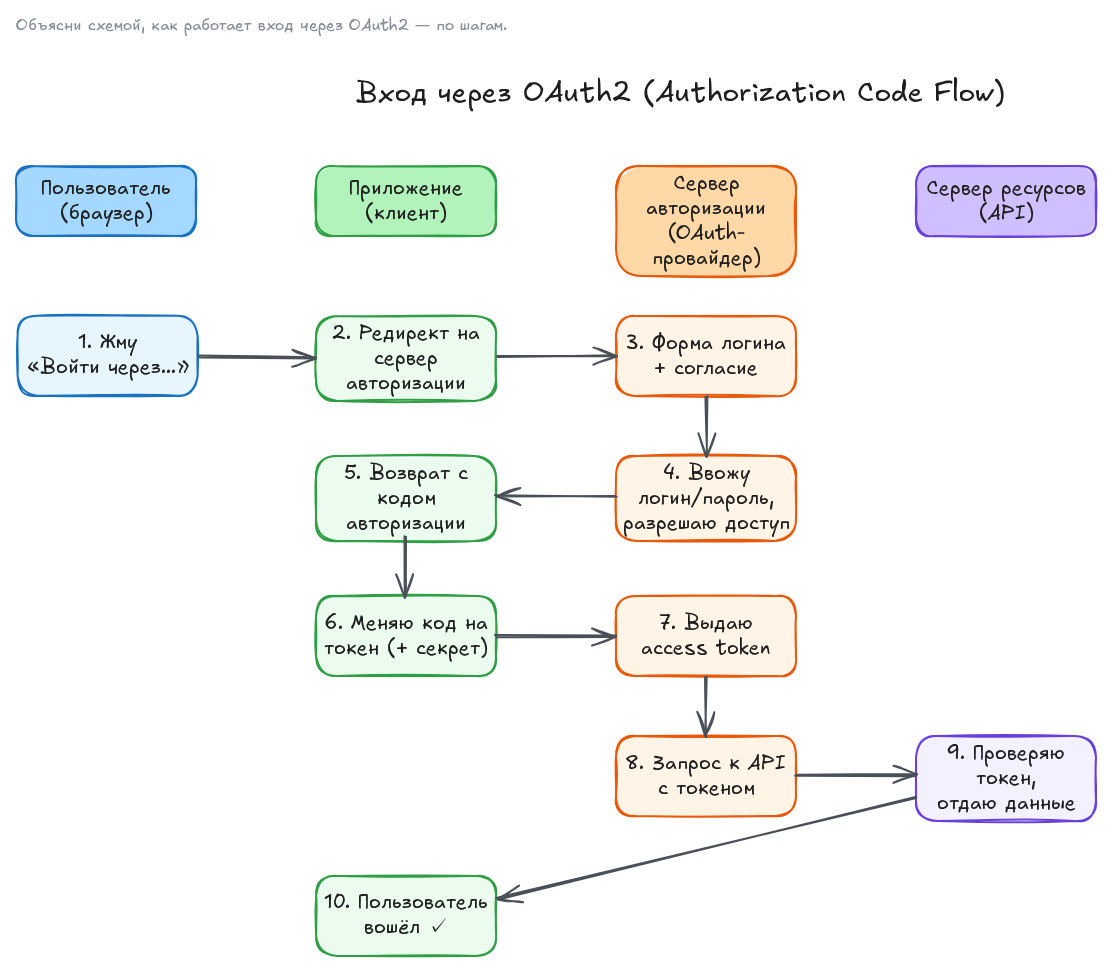
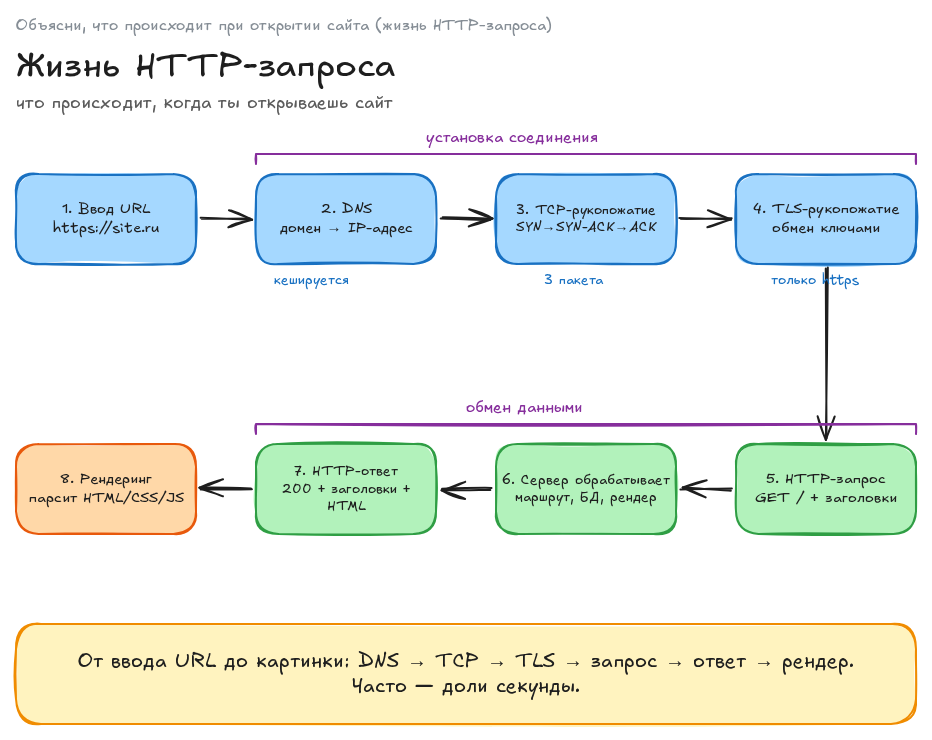
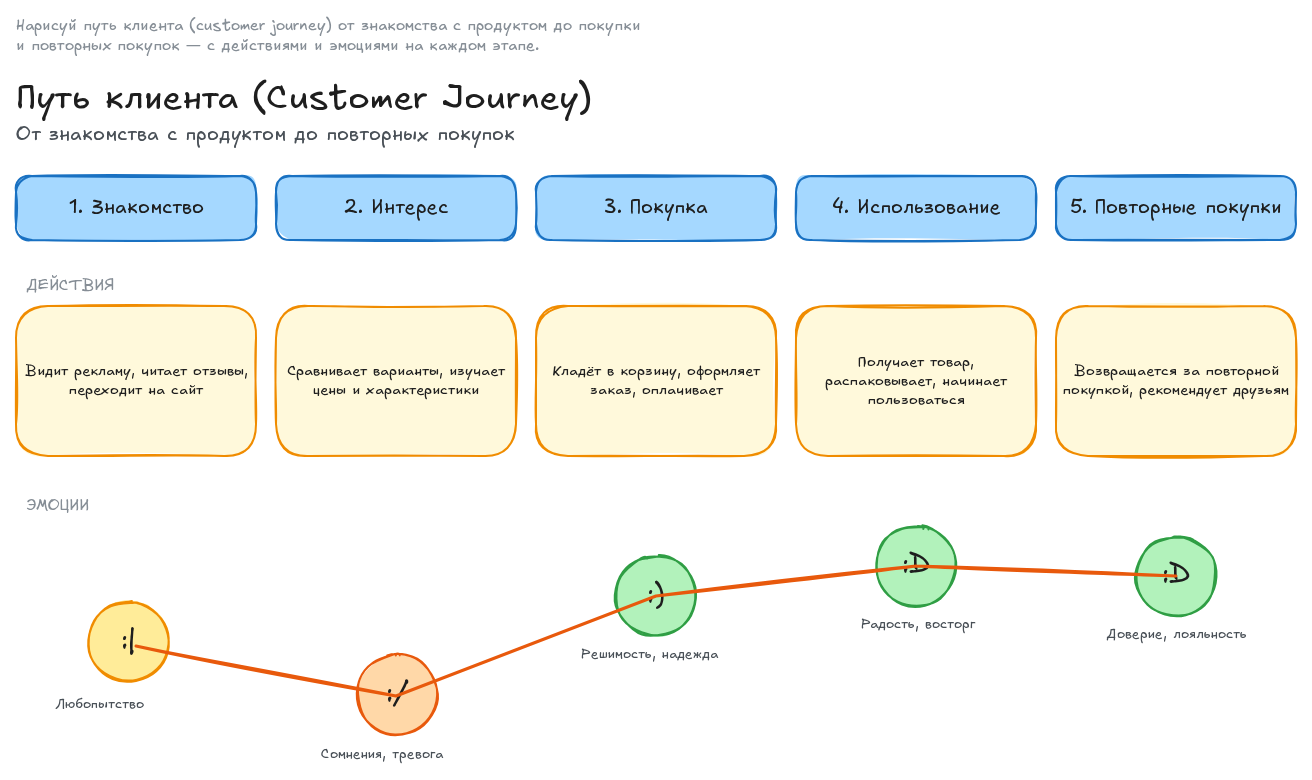
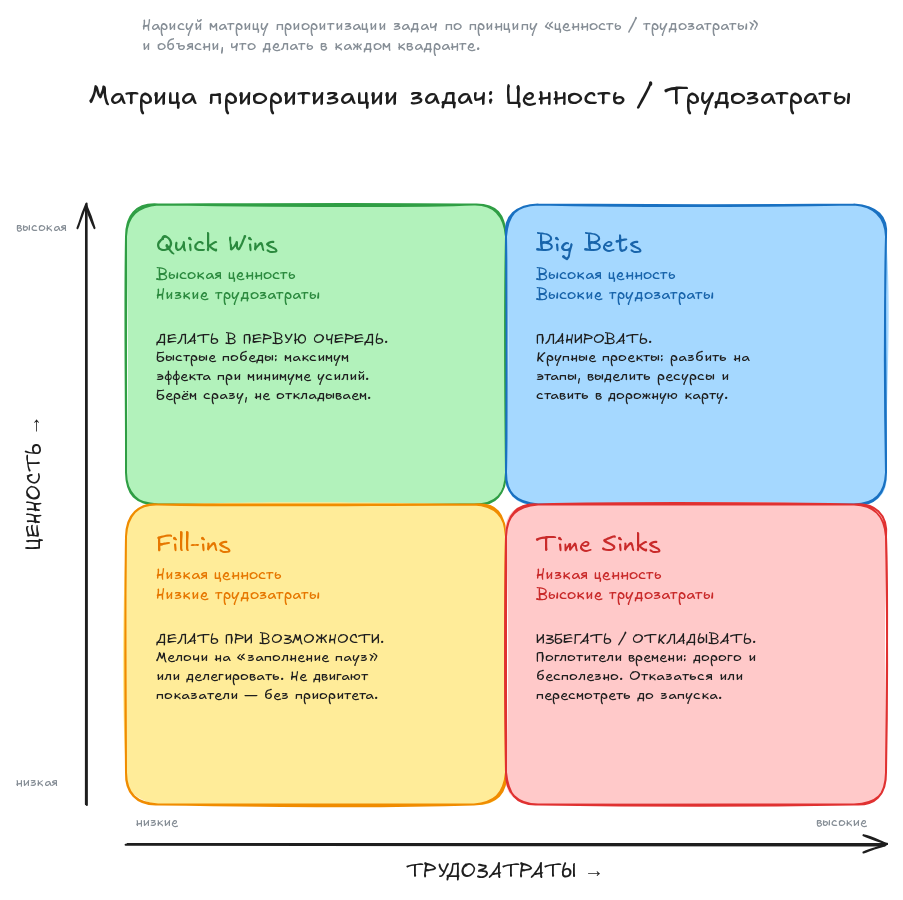
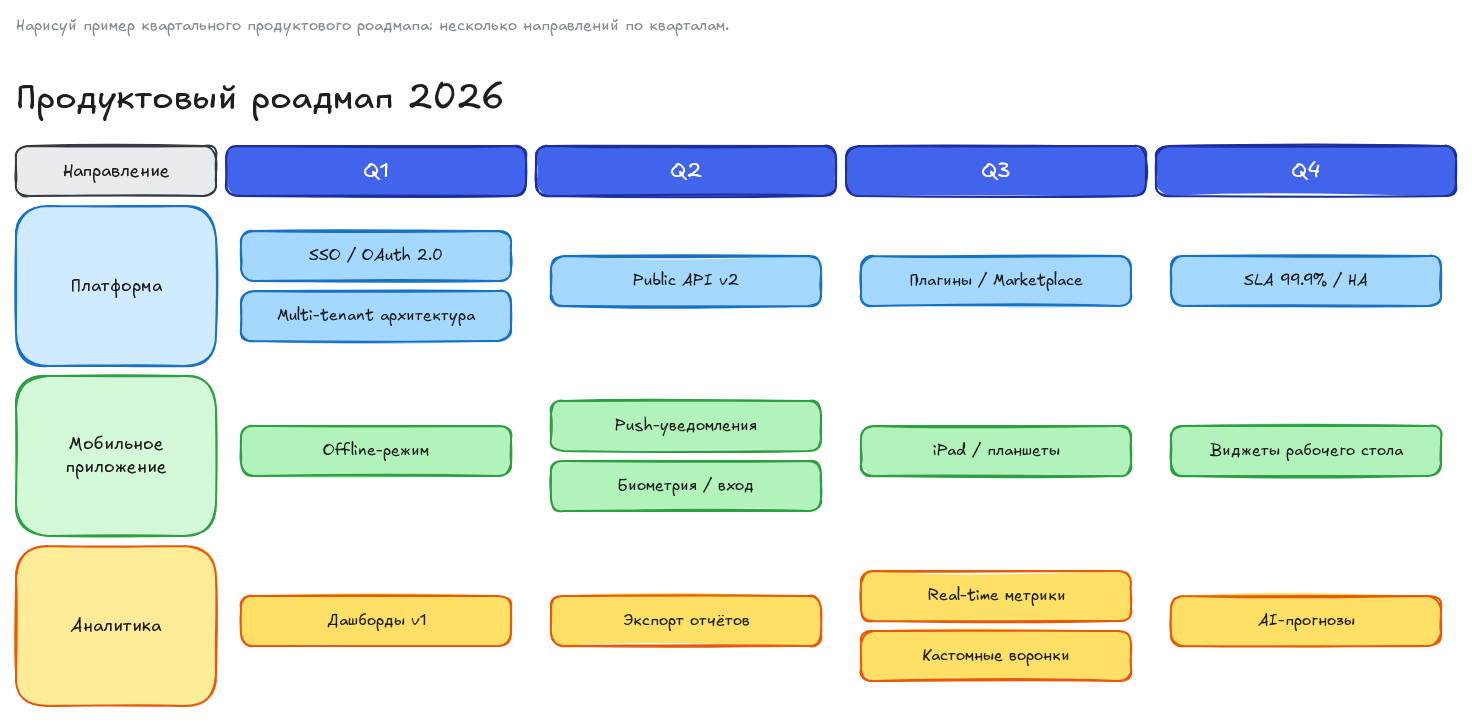
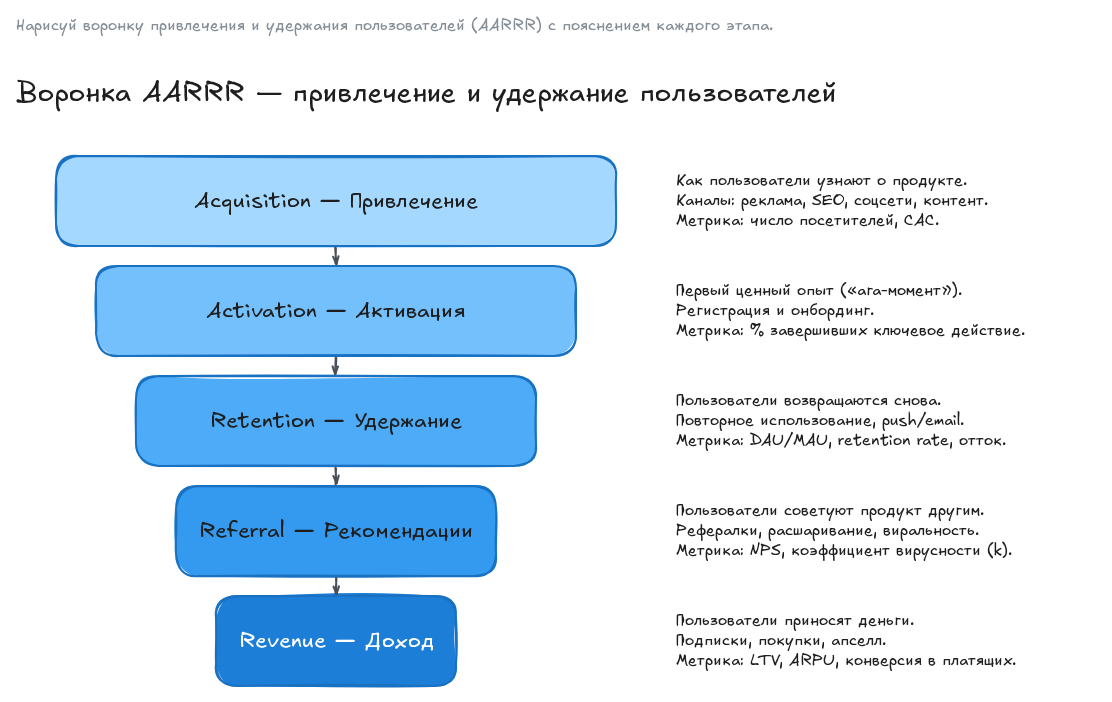
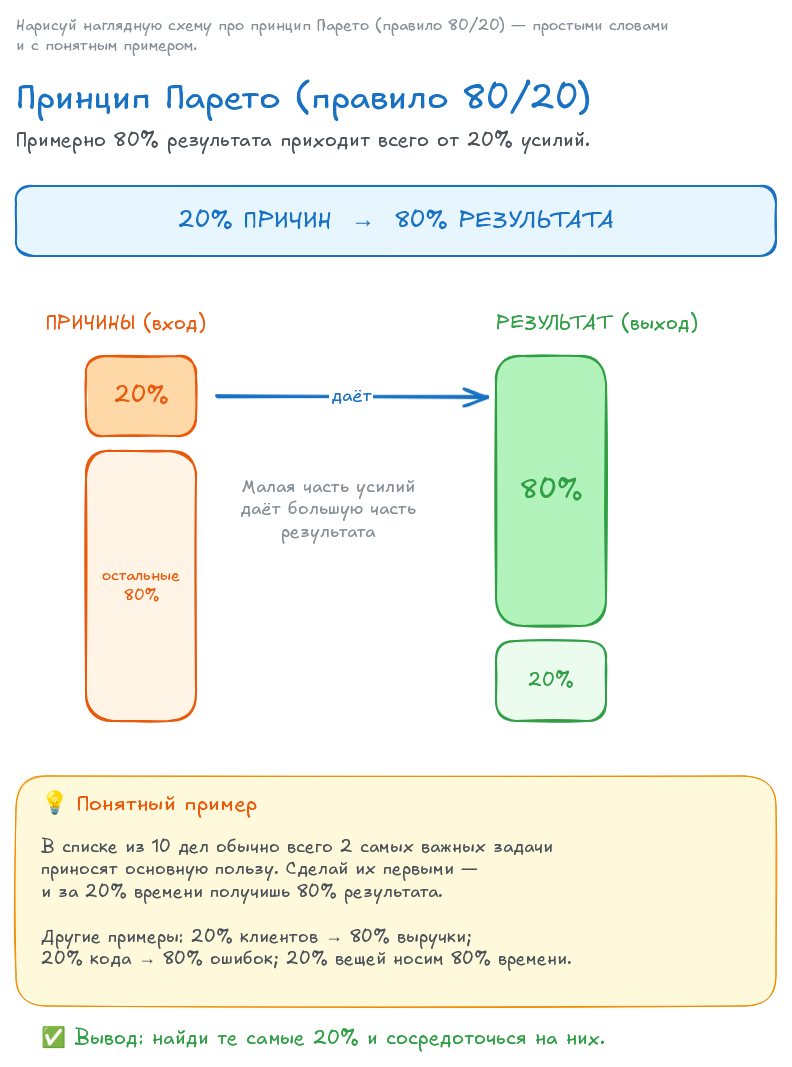
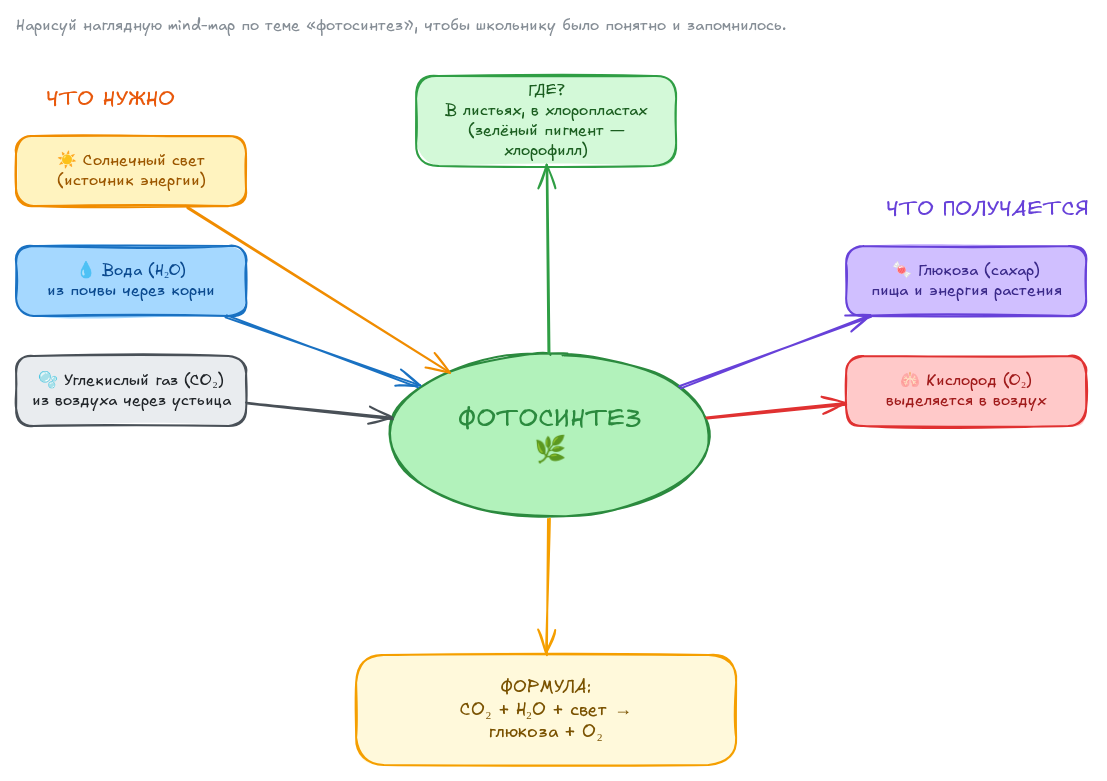
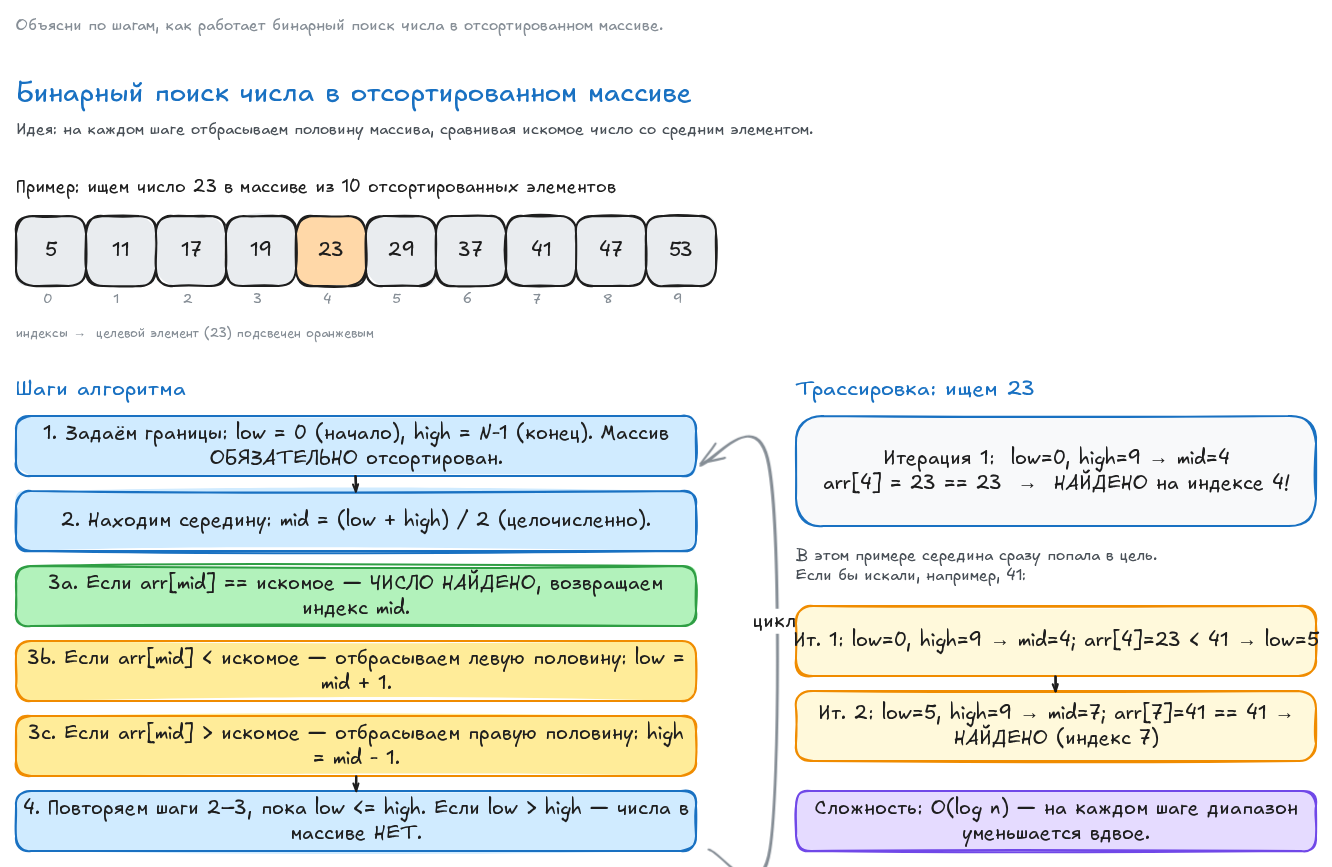
This is a real canvas drawn by an agent —
edit together, in real time →leave your own blot
Klyaksa is free*
Open a board →No email, no password. If you have been here before, your own board opens.
*For large teams, separate plans may appear in the future.
Claude Code, Cursor, Claude Desktop or any MCP client. One command — and the agent sees the board.
How to connect → Open Klyaksa →Right in the agent's chat. The agent creates a canvas and draws it by itself.
The canvas is in your browser: you, your team and the agent edit it at the same time, live.
You, your team and the agent edit one canvas at the same time. You see the cursors and who is on the board right now.
Present the board online — every participant sees the canvas live.
Create projects and canvases, sort them into folders, move, archive and restore them.
Create teams and invite members by email. Roles — and, if needed, individual permissions for each member.
A link to a project, folder or canvas — and you decide who opens it and how.
Save a version before big changes — yourself or by asking the agent — and roll back to it in one click if something goes wrong.
This is a real canvas drawn by an agent from this prompt.